
How can we help you?
Cloud syncing is not available right now
If you’re unable to sign in because of cloud sync being unavailable, be sure you have OfficeTime 2.0.634 or above.
Download from https://www.officetime.net/success
With luck, it’ll just work. You can check you’re signed in under Help->Sync menu.
Otherwise, you may see this screen:
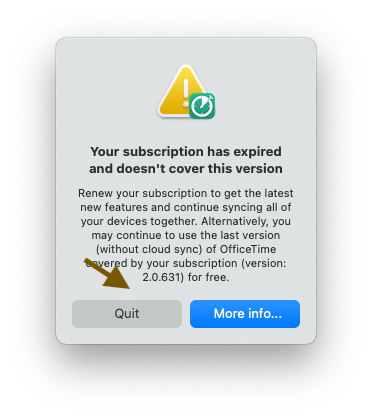
Click Quit or Cancel. Your subscription hasn’t actually expired. You just need to sign in.
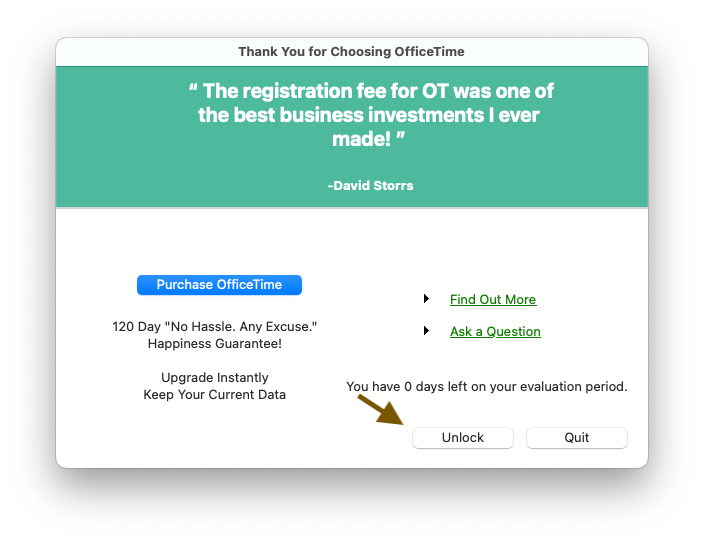
Click Unlock
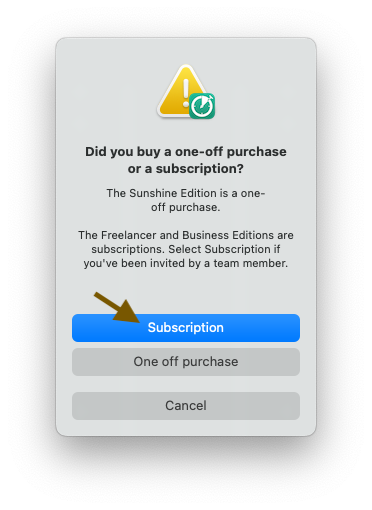
Then Subscription.
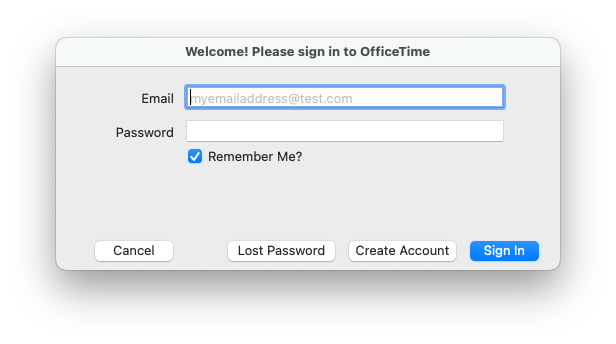
Then enter your details and Sign In.
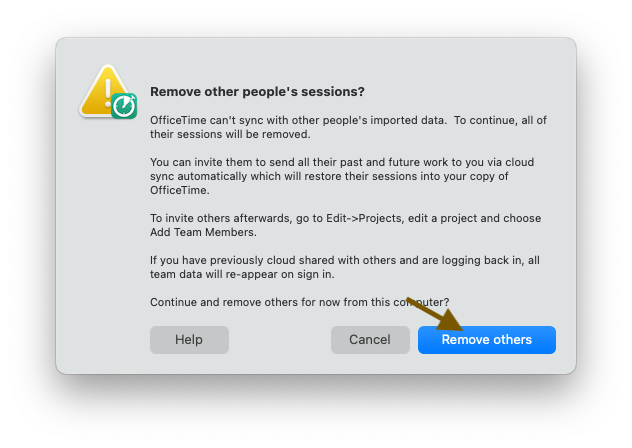
If you’re on a team, you may see the above. Click Remove Others. Don’t worry. All team data is restored from the server.
You should now be back in business!